
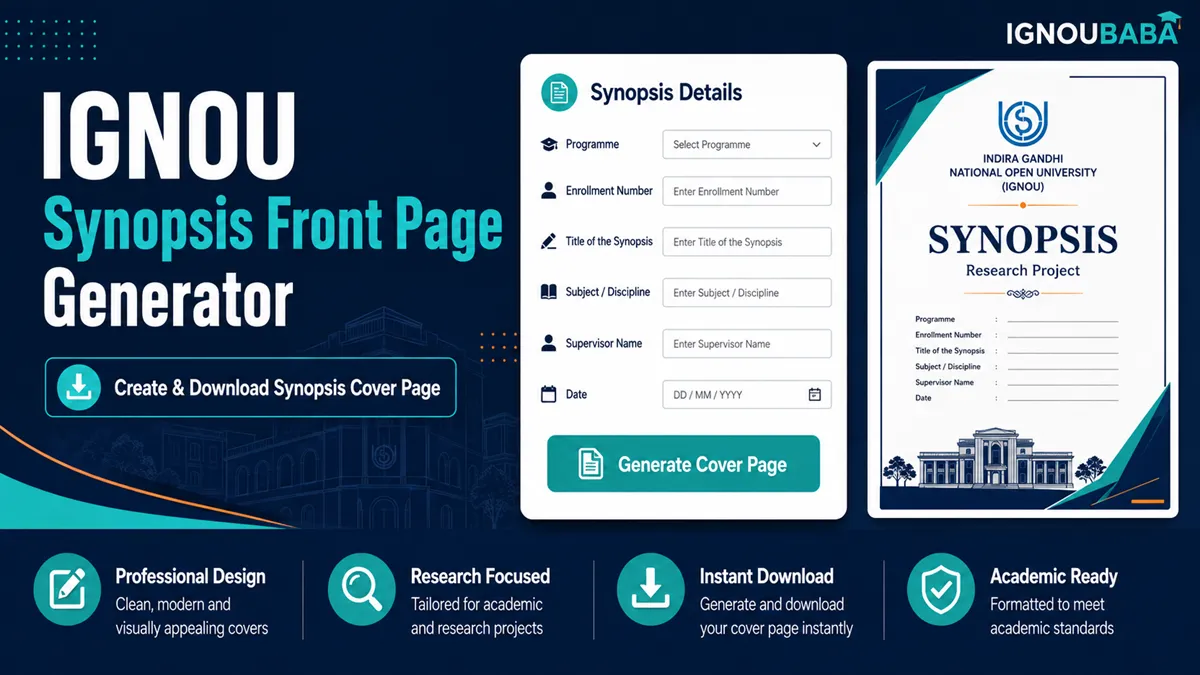
IGNOU Synopsis Front Page Generator
Create a clean synopsis front page, check the live A4 preview and download the finished PDF in your browser. A matching sample PDF is available on the same page so you can understand the layout before filling your details.
- Live A4 preview
- Personalised PDF download
- Sample front page included
- No external PDF service
Independent student utility and sample format. Programme-specific synopsis requirements may differ.
IGNOU Synopsis Front Page PDF Sample
This example uses fictional student details and shows the same clean layout produced by the generator. It is a sample format, not an official universal IGNOU template.

What to Write on an IGNOU Synopsis Front Page
For the sample format used here, enter the synopsis or project code, proposed topic, programme or award, session, Regional Centre, guide and learner details. Use the exact wording and codes that apply to your own programme instead of copying the fictional sample values.
The standard submission line, IGNOU logo, Regional Director heading and university name are already part of the page design. This keeps the form focused on the details that change from one learner to another.
Check these details carefully
- Synopsis/project code and the proposed project title.
- Degree or award name and session/year.
- Regional Centre, Study Centre and programme code.
- Learner name and enrolment number.
- Guide and contact details used in the selected sample layout.
How to Use the Synopsis Front Page Generator
- Fill in the proposed project title, code, programme and session.
- Add the Regional Centre, Study Centre, guide and learner details.
- Review the A4 preview, especially if your title, guide name or centre details are long.
- Download the generated PDF and keep it with the synopsis or project proposal file.
The sample PDF uses fictional information, so you can compare spacing and placement without exposing a real learner's personal details.
Check Your Programme Instructions Before Submission
A synopsis, project proposal and final project report are related documents, but their requirements are not always identical. Some programmes may specify a particular first page, sequence, wording or supporting documents. Use the generated page as a convenient sample unless your programme instructions require a different format.
Privacy note: the generator creates the page in your browser. Its form values are not submitted to WordPress or sent to an external PDF API by the generator code.
Frequently Asked Questions
What should be written on an IGNOU synopsis front page?
Common details include the synopsis or project code, proposed title, programme, session, Regional Centre, guide name and learner information required by the programme.
Can I download an IGNOU Synopsis Front Page PDF?
Yes. The generator creates an A4 PDF and this page also includes a fictional sample PDF for reference.
Can I generate an IGNOU synopsis front page online?
Yes. Fill in the form, check the live preview and download the generated front page as a PDF.
Is an IGNOU synopsis front page the same as a project front page?
They can look similar, but the document heading and programme-specific requirements may differ between a synopsis and the final project report.
Is this an official IGNOU synopsis format?
No. It is an independent sample format and generator. Follow your programme instructions when they specify a particular arrangement.
Does the synopsis format vary by programme?
It can. The required wording, order and supporting pages may depend on the programme or course-specific guidelines.