
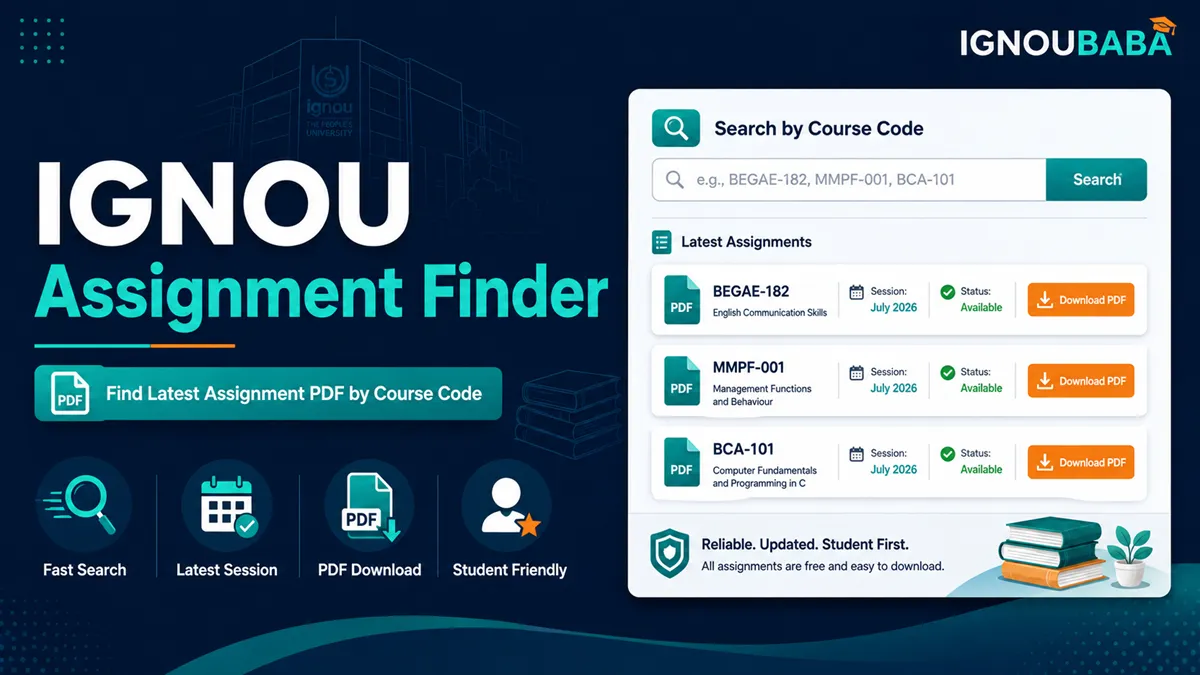
IGNOU Assignment Question Paper 2026 – Search & Download
Current IGNOU Assignment Finder
Find IGNOU Assignment by Course or Programme Code
Enter a course code such as MMPC1 or a programme code such as MBA. Exact course searches open the dedicated assignment page directly.
Find the Current IGNOU Assignment Question Paper
This page is for students who already know a programme or course code and want the correct assignment question paper without opening multiple lists. Search by course code for the most precise result. Programme search is useful when you want to see the current assignments available under a programme.
Search by Course Code or Programme Code
Course-code search
Use this when you know the subject code. It is the fastest way to reach a specific IGNOU assignment question paper.
Programme search
Use a programme code such as MBA when you want to browse the assignment records currently associated with that programme.
If a programme returns many assignments, search the individual course code next. That reduces the chance of choosing a paper for the wrong subject or medium.
Course Code Does Not Have to Be Typed Perfectly
The finder accepts common variations caused by missing hyphens, spaces or leading zeroes. For example, when the official record supports the same course, these forms can resolve to the same assignment:
MMPC1MMPC01MMPC001MMPC-1MMPC-01MMPC-001MMPC 1MMPC 01If you enter an incomplete string that could match several courses, the finder lists possible course codes. It does not select a random paper merely because part of the code matches.
What You Get in the Assignment Search Result
A matching result can include the course code, programme, medium, current validity entry, June/December due-date fields, last-modified information and the assignment download button. These details help you compare similar results before opening the PDF.
- Course code: the subject you searched for.
- Programme: useful when the same course appears in more than one programme context.
- Medium: compare this with the language applicable to your registration.
- Valid for Session: check the current validity shown for that assignment record.
- June/December due date: the due-date fields provided with the assignment record.
- Download: opens the assignment file when the current record provides a direct link.
Current Assignment Comes Before Archived Assignment
The finder checks current assignments first. It falls back to the archived listing only when the current search returns no match. An archived assignment is shown as an archived result so it is not confused with the current paper.
How to Download the Right IGNOU Assignment
- Take the course code from your registration details or the current programme structure.
- Search the code above. You can type a normal variant such as MMPC1 if you do not remember the exact hyphen/zero format.
- If multiple records appear, compare programme and medium.
- Read the “Valid for Session” information in the matching result.
- Open the assignment PDF and read its instruction page before writing.
What If No Assignment Is Found?
First check the suggestions shown by the tool. A no-match result can happen because the code is incomplete, the programme/course combination differs, the assignment has not appeared in the current list yet, or the course belongs to an older structure. The official IGNOU source button remains available when you need to verify the listing directly.
Before You Write the Assignment
Downloading the right question paper is only the first step. Read the instructions inside that PDF and use the matching course material rather than copying an answer prepared for another session. For practical help, use the IGNOU assignment writing guide. When your answers are ready, create the cover sheet using the Assignment Front Page Generator.
Before You Submit
Submission arrangements can vary by programme and centre, so confirm the current route instead of relying on an old WhatsApp message or an old form. Check the IGNOU assignment submission date, use the relevant assignment submission link or route, and keep the acknowledgement or proof explained in the assignment submission slip guide.
Related IGNOU Assignment Tools
IGNOU Assignment Question Paper FAQs
Where can I find the current IGNOU assignment question paper?
Enter your programme or course code in the finder above. It searches the current assignment listing first and gives the matching assignment download link when one is available.
Can I search an IGNOU assignment by course code?
Yes. Course-code search is the most precise option because it targets the individual subject rather than listing every assignment under a programme.
Can I type MMPC1 instead of MMPC-001?
Yes. Common differences in spaces, hyphens and leading zeroes are handled when they represent the same course record.
Can I search by programme code such as MBA?
Yes. Programme search can show the current assignments associated with that programme. For a specific subject, search its course code after that.
Why do I see more than one assignment for the same course code?
The same course can appear with different programme or medium information. Compare those fields with your own registration before downloading.
What does “Valid for Session” mean in the result?
It is the validity information shown for that assignment record. Check it before using the PDF, especially when you already have an older assignment saved.
Why is an archived assignment being shown?
The finder uses archived data only when a matching current assignment is not found. An archived paper should be verified before it is used for a current submission.
What should I do if my course code is not found?
Check the suggested codes, compare the code with your registration details, and then open the official source if there is still no current match.
Can I download the assignment PDF directly from the result?
When the matching assignment record provides a download link, the result includes a button that opens that assignment file.
Browse Current IGNOU Assignment Papers by Course Code
These permanent course pages are updated automatically. The current assignment is kept above older available records.