
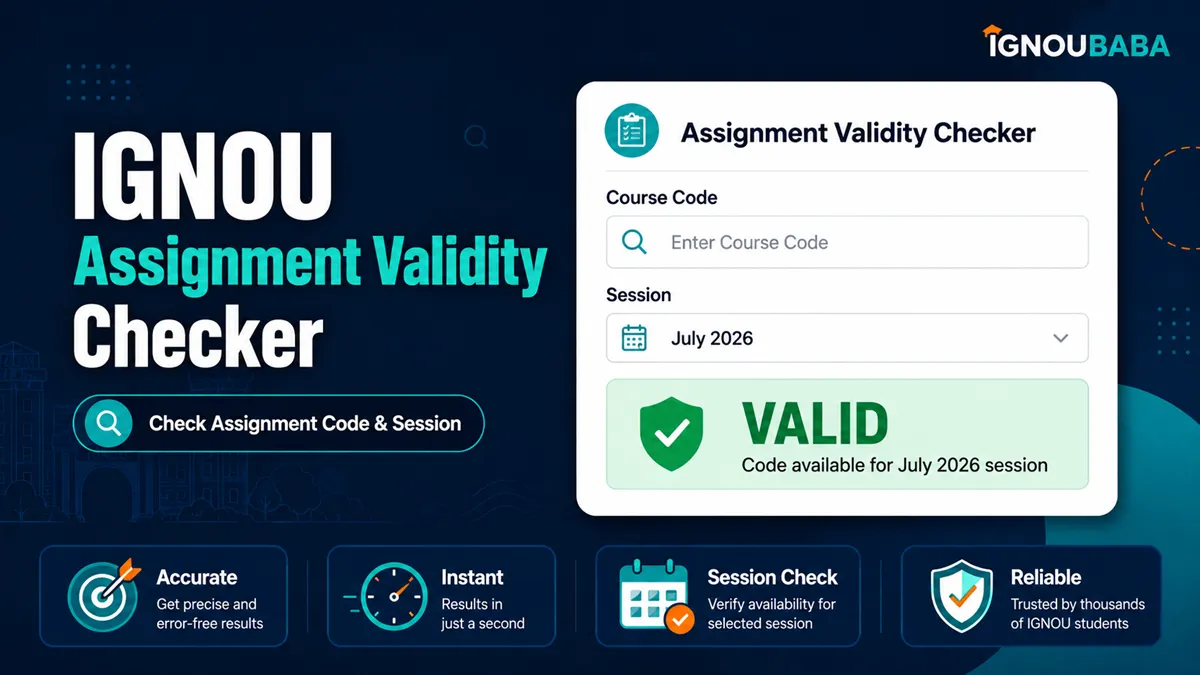
IGNOU Assignment Validity Checker
IGNOU Assignment Validity Checker
Check IGNOU Assignment Validity and Find the Current Paper
Enter your programme and course details to check the current assignment record. The tool accepts common course-code variations, compares the official validity information, and gives you the current assignment download link when available.
How to Check IGNOU Assignment Validity
The safest way to choose an IGNOU assignment is to match the current course record instead of relying only on an old PDF saved on your phone or a file shared in a group. Course code, programme, medium and session validity can all matter. This checker puts those details in one place and keeps the final official source available for verification.
- Enter the programme code shown in your IGNOU registration details.
- Enter the course code. Common variants such as MMPC1, MMPC01 and MMPC-001 are accepted.
- Select your admission session. Add a later re-registration session only when you registered for this course in that later cycle.
- If you already have an assignment, you may select the session written on it. This field is optional.
- Select the TEE you are preparing for so the result can show the relevant June or December due-date field.
- Read the validity result and open the current assignment before you start writing.
What Does “Valid for Session” Mean?
The current IGNOU assignment listing can show a “Valid for Session” entry for an assignment. Treat that course-specific information as the main validity reference for the paper shown by the tool. Your programme admission date and the assignment session are related details, but they are not always the same field.
Admission session
The January or July session in which you originally entered the programme.
Re-registration session
Use this only when you registered or re-registered for the particular course in a later cycle.
Assignment session
The session written on a PDF or printed assignment you already have. It is optional in this checker.
TEE session
The June or December Term-End Examination you are preparing for. It helps the tool show the applicable due-date field.
Old Assignment or Latest Assignment: Which One Should You Use?
If a current assignment is available for your course, open that current record and check its validity before writing. A previously downloaded assignment may still look correct because the course code is unchanged, but the applicable session or instructions may have changed. The checker therefore searches current assignments first and uses archived data only when a current match is not available.
Course Code Variations and Typing Mistakes
Students do not always type course codes in the same format. Hyphens, spaces and leading zeroes are commonly omitted. The checker normalizes those differences and checks compatible aliases from the assignment data instead of requiring only one exact spelling.
MMPC1MMPC01MMPC001MMPC-1MMPC-01MMPC-001MMPC 1MMPC 01An incomplete code is handled differently from a harmless formatting difference. If your entry could refer to more than one course, the tool shows likely matches rather than silently choosing an assignment for you.
Why the Programme Code Still Matters
A course can sometimes appear under more than one programme or medium. The programme code helps narrow the result and prevents a similar-looking course record from being treated as your assignment. Use the code from your registration details rather than guessing from the programme name.
How the TEE Selection Is Used
The TEE field is used for the due-date information attached to the assignment record. Choosing June or December does not create a new assignment by itself; it helps the checker display the relevant due-date field for the paper that matched your course.
If the Tool Says “Assignment Record Not Found”
A missing result does not automatically mean that you have no assignment. The course may not yet appear in the current listing, the programme/course combination may be different, the course may use a legacy structure, or the code may still be incomplete. Check the suggested course codes first. If there is still no match, use the official source button instead of changing random digits until something appears.
Before You Start Writing
- Open the assignment returned for your course and compare the programme, course code, medium and validity.
- Read the instruction page inside the assignment PDF; do not assume every course uses the same word limit or format.
- Use the IGNOU assignment writing guide when you need help with answer structure and presentation.
- Create your cover sheet with the IGNOU Assignment Front Page Generator.
- Before submission, check the current assignment submission date and the correct assignment submission link or route for your centre/programme.
- Keep proof after submission. The IGNOU Assignment Submission Slip guide explains what to retain.
Related IGNOU Assignment Tools
IGNOU Assignment Validity FAQs
How do I know which IGNOU assignment is valid for me?
Match your programme and course code with the current assignment record and read the “Valid for Session” information shown for that paper. Use the current official assignment link in the result for a final check.
Can I check assignment validity without having the PDF?
Yes. Leave the assignment-session field blank. The checker can search the current record and show the available assignment for your programme and course.
Can I enter MMPC1 instead of MMPC-001?
Yes. Common spacing, hyphen and leading-zero differences are normalized when they correspond to the same course record.
What if I type only part of a course code?
If several courses could match, the checker shows suggestions rather than guessing. Choose the course that appears in your own registration details.
Do I have to select the session written on my assignment?
No. That field is optional. Use it only when you already have a paper and want to compare that specific assignment with the current record.
Why is re-registration optional?
Many students do not need it for a particular check. Select a re-registration session only when that later session is relevant to the course you are checking.
Can I submit an archived assignment?
Do not assume an archived paper is valid just because it is downloadable. Check whether a current assignment exists and verify the current validity before using an older paper.
Does this tool replace the official IGNOU assignment page?
No. It makes the search easier and interprets common code formats, but the result keeps the official IGNOU source available so you can verify the current record before submission.