
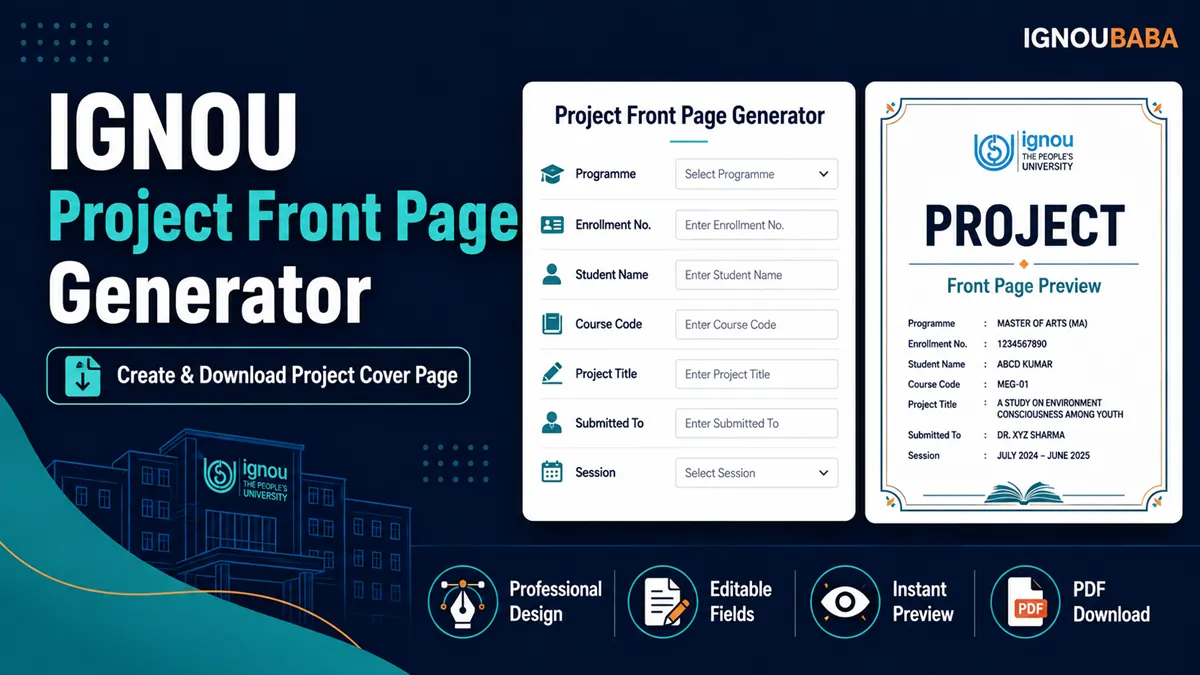
IGNOU Project Front Page Generator
Create a clean personalised project front page, check the live A4 preview and download the finished PDF in your browser. A matching sample PDF is available on the same page so you can compare the layout before using it with your report.
- Live A4 preview
- Personalised PDF download
- Sample front page included
- No external PDF service
Independent student utility and sample format; not an official universal IGNOU front-page template.
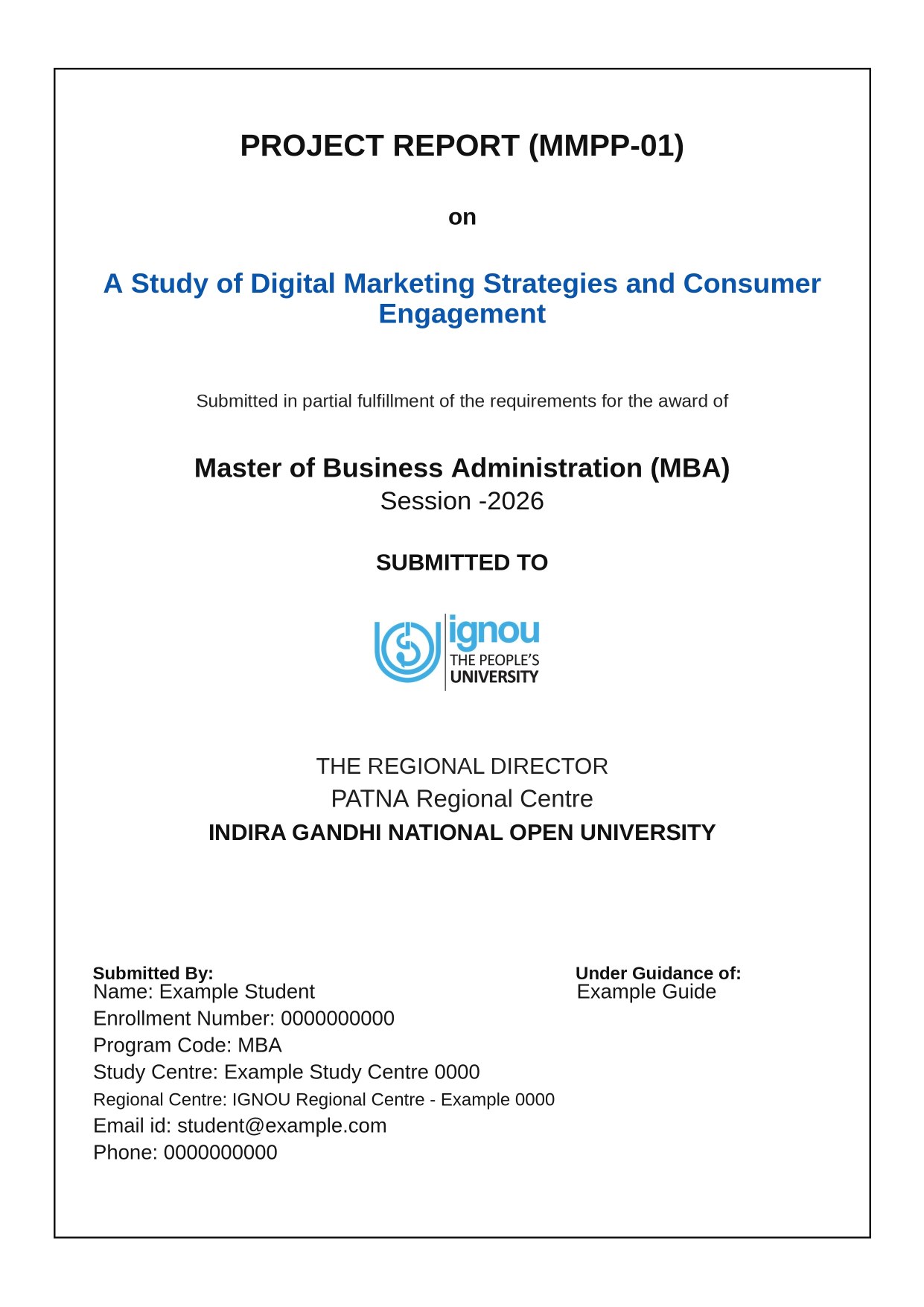
IGNOU Project Front Page PDF Sample
This example uses fictional student details and shows the same clean layout produced by the generator. It is a sample format, not an official universal IGNOU template.
What to Write on an IGNOU Project Front Page
Use the details that match your own project report and programme instructions. In this generator, you can enter the project report code, complete project title, award or degree, session, Regional Centre, guide name and the learner information used on the sample format.
The submission sentence, IGNOU logo, THE REGIONAL DIRECTOR heading and INDIRA GANDHI NATIONAL OPEN UNIVERSITY are already built into the front-page design, so you do not need to type them again. Some learners also call this first sheet an IGNOU project cover page; use the wording required by your programme.
Details to check before generating the PDF
- Project report or course code and the exact project title.
- Programme or award name and the correct session/year.
- Regional Centre and Study Centre details.
- Your name, enrolment number and programme code.
- Guide name, email and phone details used for your selected front-page format.
How to Use the Project Front Page Generator
- Enter the project, programme and session details in the form.
- Add the Regional Centre, guide and student information carefully.
- Review the live A4 preview. Check spelling, long titles, enrolment number and contact details before downloading.
- Select the PDF download button and save the generated A4 front page with your project files.
The preview and downloaded PDF use the same generated page, so you can correct the form first instead of repeatedly editing a separate document.
Before Using the Front Page With Your Project
Project requirements can vary by programme, course code or project guideline. Treat this as a practical sample format and compare it with the instructions that apply to your project before final submission. If your programme asks for a different heading, declaration, certificate or arrangement, follow those instructions.
Privacy note: this generator creates the page in your browser. Its form values are not submitted to WordPress or sent to an external PDF API by the generator code.
Frequently Asked Questions
Is there an IGNOU Project Front Page PDF?
Yes. This page includes a downloadable sample PDF and a generator that creates a personalised A4 project front page.
What details should I write on an IGNOU project front page?
Common details include the project code and title, programme or award, session, Regional Centre, guide name, student name, enrolment number, programme code and Study Centre details.
Can I generate my IGNOU project front page online?
Yes. Enter the required details, check the live A4 preview and download the generated PDF directly in your browser.
Can I download an IGNOU project front page PDF sample?
Yes. A fictional sample is available above the guide section so you can see the format without using real student information.
Is this an official IGNOU project front page?
No. It is an independent student utility and sample format. Programme-specific instructions should be followed where they differ.
Can the same front page be used for every IGNOU programme?
Not necessarily. The required front-page content or arrangement can differ between programmes and project guidelines.