
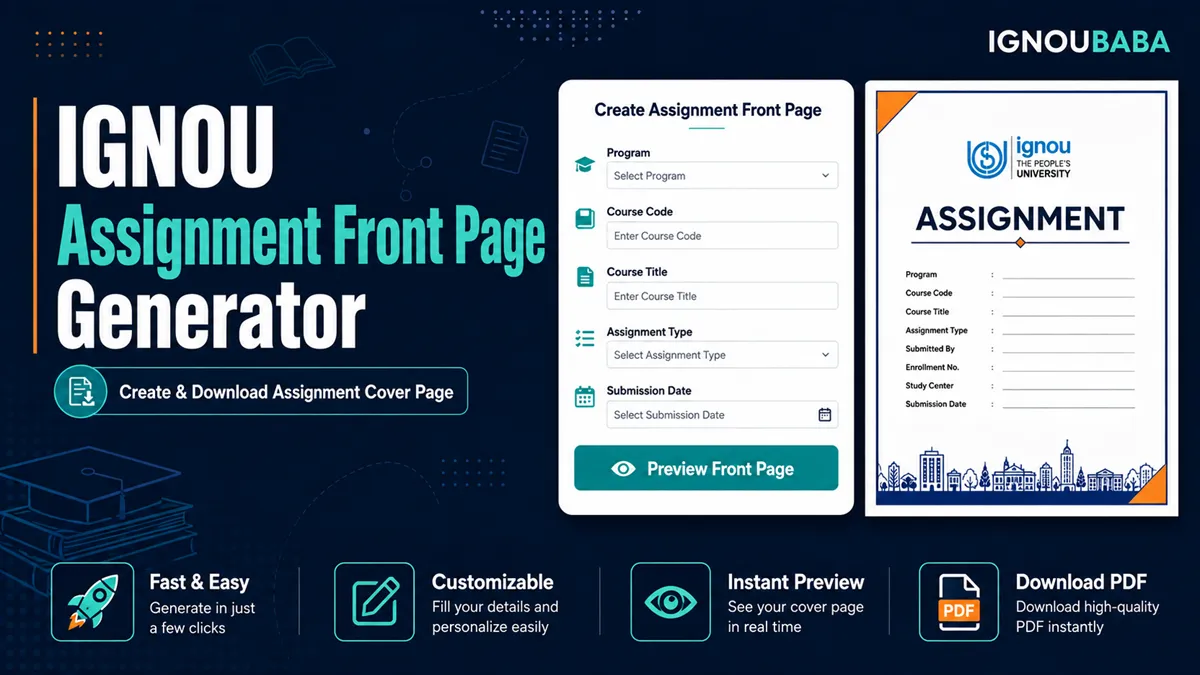
What to Enter in the Assignment Front Page Generator
The form follows the fields shown on this front-page layout: enrolment number, student name, phone number, programme code, course code, course title, assignment number and Study Centre code. Phone number is optional in the form; the other fields are used to complete the selected printable layout.
Use the exact programme and course codes from your assignment. Check the enrolment number and course title carefully before downloading because the PDF uses the same details shown in the live preview.
How to Create Your Assignment Front Page
- Enter your student, programme, course and assignment details.
- Review the live A4 preview and correct any spelling or number errors.
- Select Download A4 PDF to save the personalised front page.
- After printing, add the submission date and signature in the blank spaces provided.
Need help with the assignment itself? See how to write an IGNOU assignment.
Privacy note: the assignment generator creates the preview and PDF in your browser. Its form values are not submitted to WordPress, written to browser storage or sent to an external PDF API by the generator code.
Frequently Asked Questions
How can I create an IGNOU assignment front page online?
Enter the required assignment details in the form, check the live preview and download the finished A4 PDF from the same page.
Can I download the generated assignment front page as a PDF?
Yes. The download button creates a personalised A4 PDF using the details visible in your preview.
What details should I enter in the Assignment Front Page Generator?
Use your enrolment number, name, programme code, course code, course title, assignment number and Study Centre code. The phone field is optional in this layout.
Is the generated assignment front page an official universal IGNOU format?
No. It is an independent student utility based on the displayed sample layout. Follow any specific instructions issued for your programme, course or Study Centre.
Where can I find an IGNOU Assignment Front Page PDF or sample?
See the IGNOU Assignment Front Page guide and PDF options for the broader sample/template information.